 BuckleUp
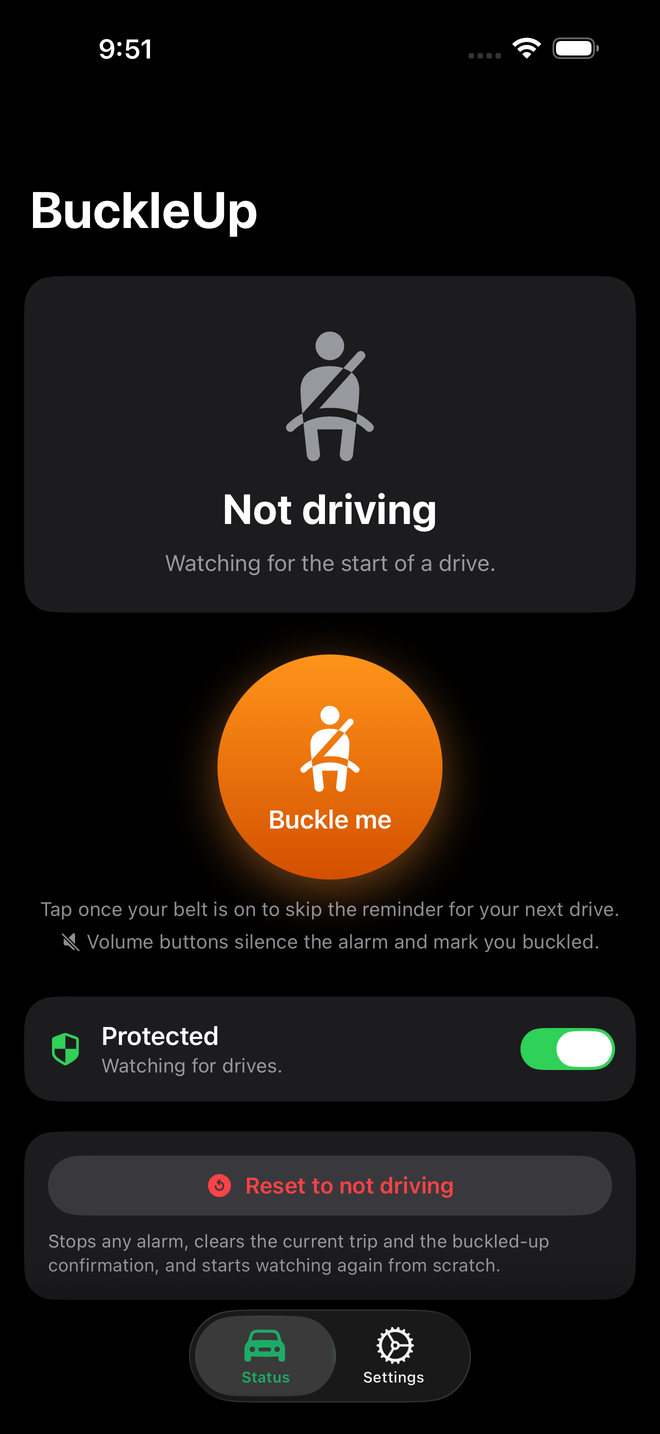
How it works
You start driving
Your car's Bluetooth connects, you pass 10 mph, the motion sensor feels a vehicle, or you pull away from a spot where you usually park. Whichever comes first.
The alarm sounds
A loud siren with vibration. It ignores the silent switch, plays from the iPhone's own speaker even when the car is on Bluetooth, and turns a quiet phone up while it sounds.
You buckle up
Leave it and the alarm stops by itself after 15 seconds, or press either volume button to silence it sooner.
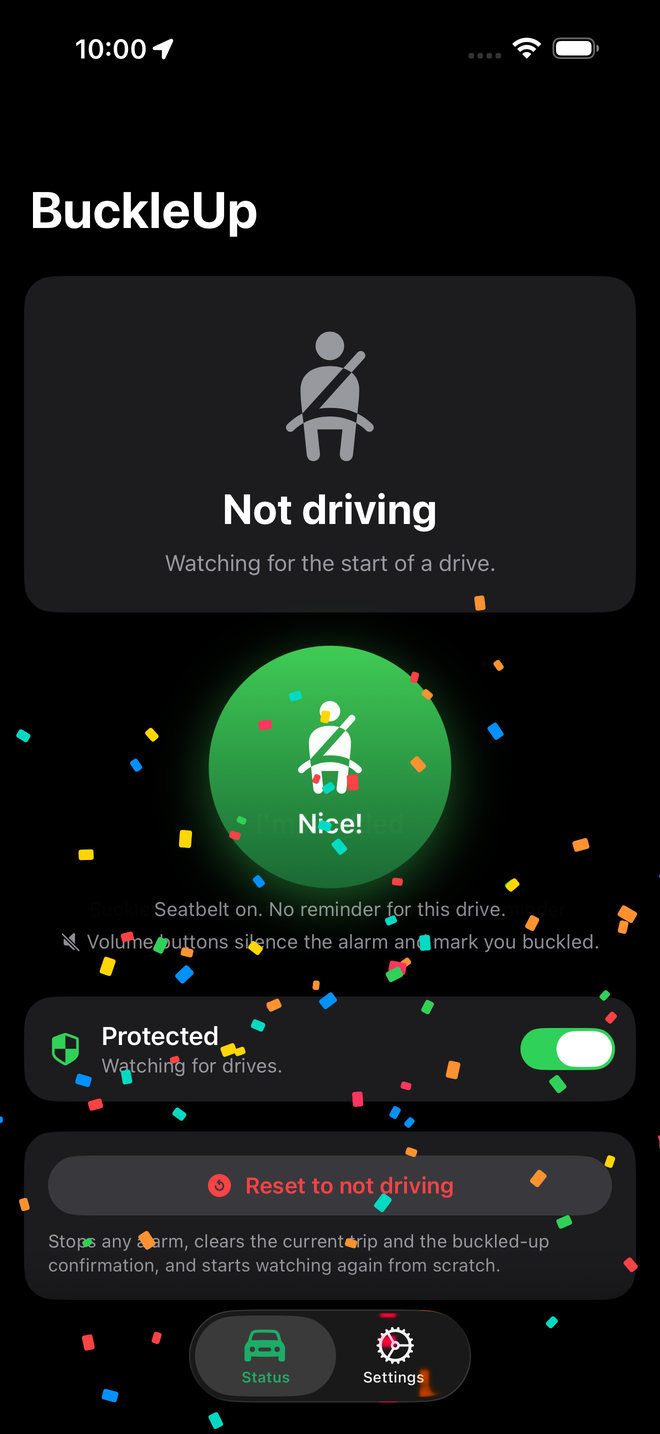
Buckled before you go? Tap the orange Buckle me button. It turns green and that drive stays quiet, with a little confetti for doing the right thing.
Runs on its own
In the background
Reminders fire whether the app is open or not. Location needs to be set to Always.
Learns where you park
Nothing to set up. BuckleUp learns the spots where your trips end and reminds you the moment you drive away from one.
One reminder per trip
It re-arms after you've been parked for a few minutes, ready for the next drive.
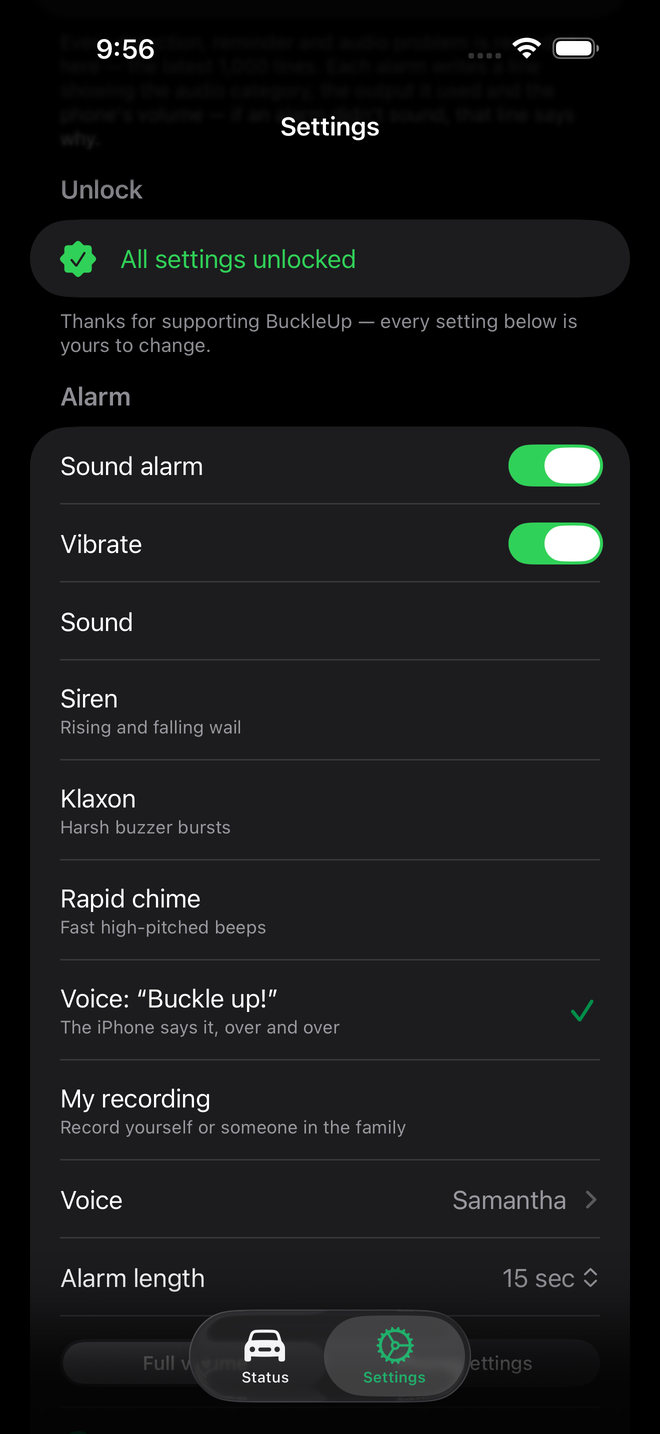
Make it yours for $0.99
Drive detection and the loud siren are free for everyone. A one-time purchase, not a subscription, unlocks every setting.
- A voice you'll listen toRecord up to five seconds, like “Buckle up, Dad!”, in your own voice or anyone's in the family. The recording stays on your phone.
- Other soundsA spoken “Buckle up!” in any of your iPhone's voices, a klaxon, or a rapid chime.
- Your timingAn alarm from 3 seconds to 2 minutes, the speed that counts as driving, and how long you must be parked before the next trip.
- Where it playsFull volume or your phone's own level, vibration on or off, the iPhone speaker or the car's audio.
Private by design
BuckleUp has no account, no ads and no analytics, and nothing is sent to us. Its App Store privacy label reads Data Not Collected. Read the privacy policy.
- Location, set to Always
- To notice driving from GPS speed and to learn where you park.
- Motion & Fitness
- To tell riding in a vehicle from walking.
- Notifications
- To show the reminder banner.
- Microphone, optional
- To record your own alarm sound, and to keep the alarm on the iPhone speaker while a car is connected over Bluetooth. Without it, choose Car audio.
Each one gets a short explanation before iOS asks.
Running a buckle-up campaign?
Highway safety offices, schools, employers and journalists are welcome to share BuckleUp. The press kit has a fact sheet, the icon, screenshots and a share image.
Open the press kitSupport
Questions, bugs, or a car that isn't being detected? Email buckleup.support@provenfill.com. In the app, Settings › Help › Send feedback starts an email that can include your iPhone model and iOS version.
BuckleUp is a personal reminder tool. It can't tell whether your seatbelt is actually fastened, and it may also go off when you're a passenger, on a bus, or on a train. Always buckle up, whether or not the app reminds you.